

Steam and Steam Deck
Build the bench first, then ship.
Store page, wishlist timing, demo, early access and Steam Deck testing — five jobs on one calendar. This is the order most UK teams hit them in, and where the sequencing usually goes wrong.
Store page setup
The Steam page is a build, not a poster
Most players will meet your game on the store page before any other format, and the page is judged the same way the first thirty seconds of a trailer are: quickly, and mostly by the capsule image.
Capsule, trailer, screenshots and the description have to tell one coherent story about the same game. If the trailer shows a mood the screenshots do not, the page underperforms, and there is no later fix for that.
Write the description for the person scrolling, in plain language, and keep the first two lines about the game — not about the studio. Studio paragraphs belong on the About page.
Capsule
One image carries most of the decision. If it does not say what the game is at thumbnail size, the rest of the page will not fix it.
Trailer and screenshots
They must read as one game. A trailer that promises a mood the screenshots contradict is a page that loses the wishlist it just earned.
First two lines
The description opens on the game. Studio history, awards and process notes belong on the About page, not above the fold.
Wishlist and timing
Store page timing and the wishlist clock
Publish the store page once you have something honest to show — usually a short trailer or a solid gameplay clip, plus a capsule and a handful of screenshots. The page starts collecting wishlists the moment it is public, and wishlists accumulate slowly.
Announcement timing is one of the few genuinely asymmetric levers a small team has: an earlier announcement has little downside if the trailer is real, and a late one cannot be recovered. That does not mean announcing before there is a game — a store page with placeholder art trains the wrong audience to ignore you.

Demo and early access
What a demo is for, and where early access actually fits
A demo exists to convert curiosity into a wishlist or a purchase, and it has to be good at the single thing it shows. Early access is a development model, not a marketing manoeuvre. Both decisions are easier when the answer is written down before the calendar is set.
The demo
A well-chosen slice of the real game
The best demos end at a point that leaves the player wanting the next step, and run at the quality the store page promised.
- A demo that shows unfinished systems burns trust. The slice earns the wishlist, the page keeps it.
- A demo that is overwhelmingly large spends the game before launch. Slice, not sampler.
- Timing matters as much as content — a demo in a crowded week competes for the same attention; a demo just before launch has less time to convert.
- There is no universally correct week, and any advice that names one is guessing at your situation.
Early access
A development model, honestly described
It works when the game benefits from being played before it is finished, when the team can act on feedback, and when the scope remaining is understood well enough to describe on the store page.
- It works badly as a substitute for a launch plan, or when the roadmap is a wish list.
- If the game is small, complete, and the fun is proven by the slice, a straight launch is often the stronger choice.
- If the systems need player time to mature, early access is the right home — and the store page should say so clearly.
Vertical slice decision log
Versioned with the build
Slice scope: keep the vertical slice small and finishable
A slice that runs from title screen to a clean ending at the store-page quality is more useful than a wider slice that thins out. Scope the slice to what the trailer will actually promise.
Announcement timing: earlier is recoverable, later is not
If the trailer is real, publishing the page costs little. If the trailer is not there yet, publishing a placeholder spends an announcement you cannot re-earn.
Demo decision: a slice, not a sampler
A vertical slice ends cleanly. A sampler thin across the whole game — every system at once — usually converts less than one well-chosen stretch.
Early access or straight launch: pick one on purpose
The answer belongs on the store page, in plain language, decided before content lock — not after wishlists start arriving.
Steam Deck compatibility
What Steam Deck compatibility actually requires
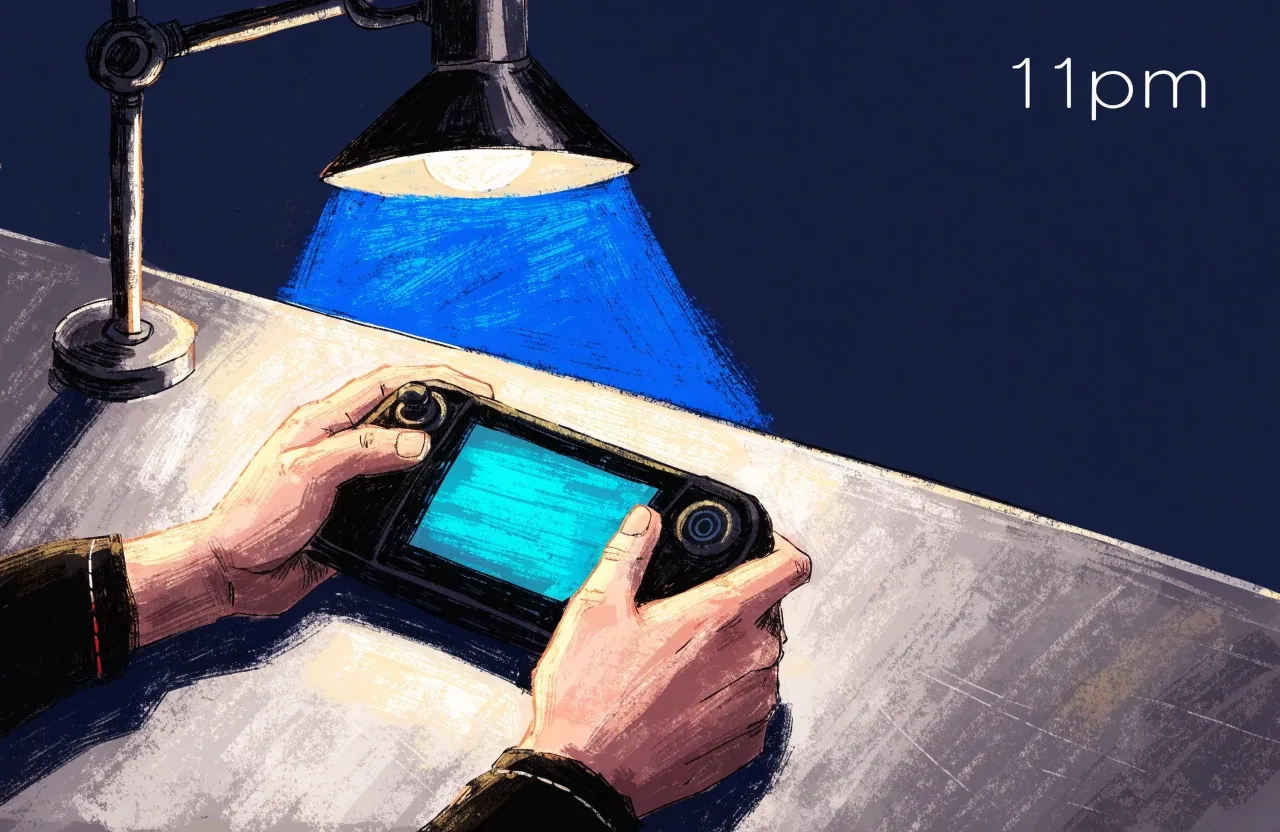
The Steam Deck is a desktop PC in a handheld shell. It runs the same build with a small screen, a controller, and a battery. Four things break most often, and testing on the hardware at 1280x800 is the only way to catch them.
The same fixes usually improve the game on low-end laptops. Plan the testing window into the schedule before launch, not after.
| Failure mode | What you actually check |
|---|---|
| Text size and readability | Small text that is fine at 1440p on a monitor is unreadable at 1280x800. Raise the base font size, cut the amount of text on screen at once, verify tooltips fit, and check the map on the deck's physical screen — not in a screenshot. |
| Controller prompts | Menus have to be navigable without a mouse. Controller-first UI is cheap to add early and expensive to add late — build the pass in before content lock, not after. |
| Suspend and resume | The save system cannot rely on a clean shutdown, the audio device may change mid-session, and the build needs to survive an arbitrary time in the background. Treat suspend and resume as a named test scenario, not an afterthought — on a deck these failures happen in ordinary use, and they produce refunds. |
| Default graphics settings | First launch on a deck has to land on settings a player can actually run. Decide the defaults, not the menu that holds them. |
The whole launch on one line
Read left to right
Page live
Trailer, capsule and screenshots final. Announcement begins here.
Next fest
A crowded week to aim at or around. Schedule the demo to land before it, not inside it.
Demo drop
A slice that ends cleanly, at the quality the store page showed.
Deck window
Booked well before content lock. Text size, prompts, suspend and defaults.
Launch
Chosen after the Deck window, not around the marketing calendar.
On a phone the rail folds to a plain list: store page live, then the next festival window, the demo drop, the Deck testing window, and launch.
Sequencing
Sequencing the whole launch calendar
Put the four jobs on one timeline and check their order: store page live, trailer and screenshots final, demo decided, Deck testing window booked, launch window chosen. Each depends on the others, and the Deck testing window in particular needs to sit before content lock, not after it.
Building the timeline once, on paper, and then holding the team to it is the least glamorous and most useful launch work there is. Everything on this page is sequencing — nothing here describes a guaranteed outcome, and there is no formula for wishlist numbers.